Connecteam records the workday; CDO judges it as it happens. Connecteam is a broad, well-built deskless-workforce app — scheduling, chat, checklists, courses, and a time clock with break reminders, break-issue flags, California waive rules and a configurable "Breaks premium" pay rule — and it is genuinely free for teams of ten or fewer. Where CDO differs is timing and judgment: it evaluates the meal window while it is still open, holds the premium for a person's decision before payroll, and keeps a minute-level bilingual record next to your safety and HR documents.
CDO is the specialist for the opposite situation: field crews in states with real wage-and-hour exposure. It evaluates every punch against the state's rules as it lands, alerts before a meal window closes, computes the premium if it lapses, and writes an immutable bilingual record the same day. If you have fewer than ten crew and no daily-overtime state to worry about, Connecteam is probably the better buy. Past that size in California, the comparison is worth running with your own numbers.
The one-sentence difference
Both apps will tell you a roofer clocked in at 7:02. The difference is what happens at 11:30, when that roofer's California meal-break window is 32 minutes from closing (it closes at the end of hour five, 12:02). Connecteam sends break reminders, flags break issues, enforces mandatory break rules on its higher plans, supports California waive rules, and can pay a configurable premium when a mandatory break is missed, late or short. Those are real tools, and we will not pretend otherwise. Where CDO aims to add value is the window before it closes: how far into hour five this worker actually is, whether the break they took at 10:15 was long enough to count, whether a waiver on file still applies on a shift that just crossed six hours.
CDO evaluates that on every punch, and when the answer is "this day is about to become a violation," the alert is specific and the premium is computed and held for a person's decision if it lapses anyway.
That distinction sounds small until you price it out. Here is one quiet violation per worker per week on a 65-person crew at a $32 average regular rate:
Why we run beside Connecteam in the pilot
CDO's first customer, a 65-person roofing crew, still keeps Connecteam as its system of record for time and payroll while CDO runs beside it. A crew that size generates roughly 1,500 clock events a week: clock-ins, lunch-outs, lunch-ins, clock-outs, geofence crossings, job changes. Any time clock captures them faithfully. The hard part is that nobody has time to review them honestly, so late meals, short lunches and freeway clock-ins can pile up silently in the very records a plaintiff's attorney would later subpoena.
This is the failure mode worth naming, because it isn't a software defect: a system that records perfectly and is never read produces better evidence against you than a sloppy one. Complete, accurate, timestamped records of every violation you didn't notice are exactly what makes a wage-and-hour claim easy to price.
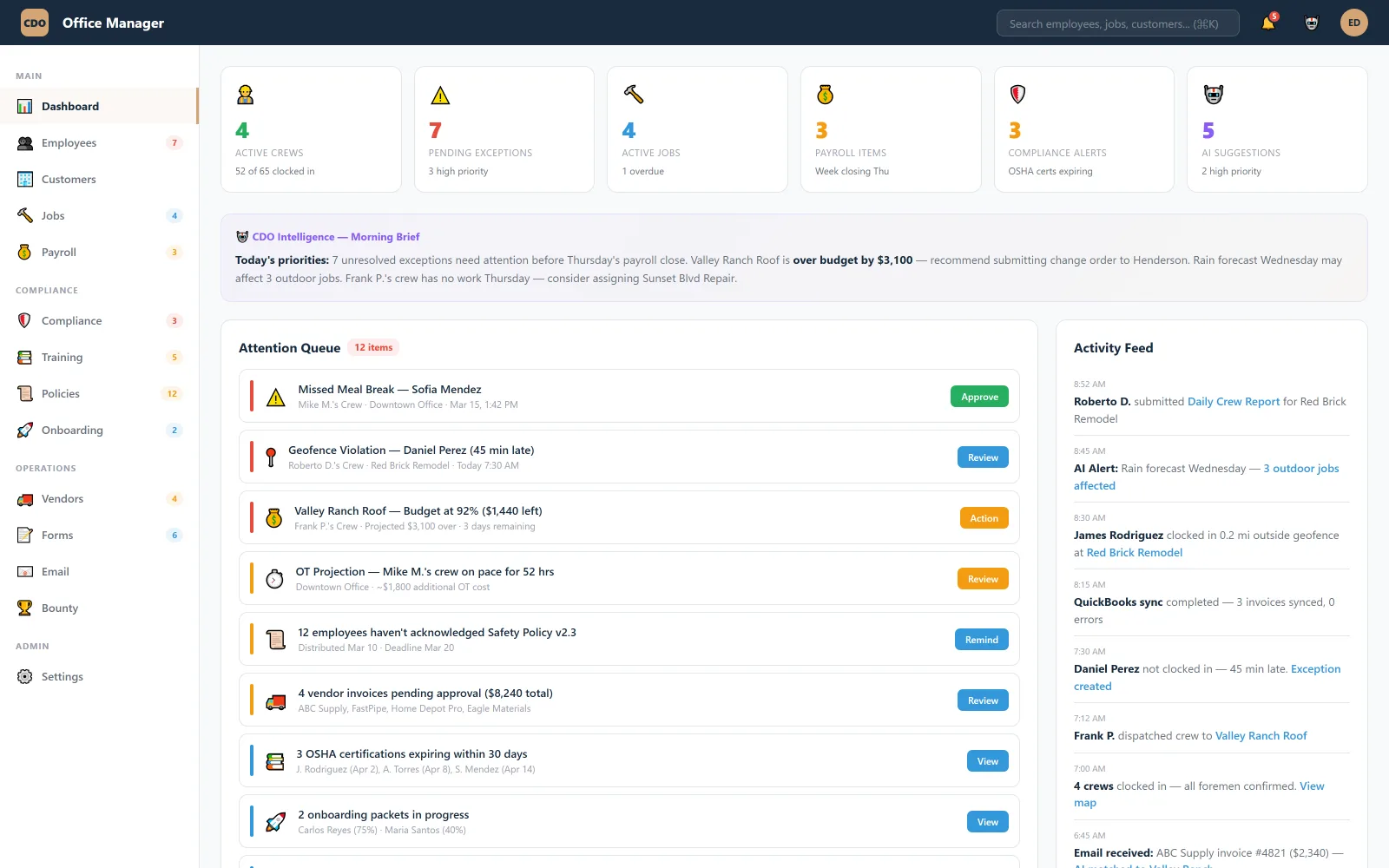
CDO reads every event as it lands and surfaces the exceptions that need a human decision, each with context and a recommended action, so the office reviews a short queue instead of 1,500 rows. The AI proposes; a person approves before anything is written to your records.
What Connecteam does genuinely well
A comparison page written by a competitor is only worth reading if it tells you where the competitor wins. Connecteam wins in three specific places:
- It's actually free up to 10 users. Not a trial — a free plan with 1 time clock and 1 schedule that includes GPS and geofencing. For a small crew that is a real, unmatched offer, and we won't pretend otherwise.
- It has real break tooling. Break reminders and "break issues" flags (Basic and up), mandatory break rules (Advanced and up), California waive rules, and a "Breaks premium" pay rule that pays a configurable premium when a mandatory break is missed, late or short. That is more than most time clocks ship with.
- The breadth is real. Three hubs — operations, communications, HR & skills — covering scheduling, chat, checklists, courses, and documents across dozens of industries. If you want one broad tool and compliance isn't your risk, breadth is a feature.
One structural note for balance: Connecteam prices per hub, and additional users are priced per hub, so cost grows as you add hubs and headcount.
What each actually costs
Both companies publish pricing, which makes this comparison unusually checkable. Connecteam sells three hubs separately; the tier prices below are per hub, billed annually, and include the first 30 users.
| Scenario | Connecteam | CDO |
|---|---|---|
| 8-person crewbasic time tracking | $0 — free tier covers it | ~$232/mo at Starter |
| 25-person crewtime + GPS geofence | Paid tier (the free plan stops at 10 users)geofencing and GPS are on the free plan; tiers differ on sites and other limits | ~$725–1,225/mo$29–49 per user by crew size; geofence included at every tier |
| Adding safety & HR | A second and third hub, each priced separately | Included — one bill |
| California premium calculation | "Breaks premium" pay rule, configurable | Computed per punch, held for a person's decision |
Connecteam pricing as of October 2026: free for up to 10 users (1 time clock, 1 schedule, geofencing and GPS included); paid hub tiers from $29/mo (Basic) through $99/mo (Expert), billed annually, first 30 users included, additional users priced per hub. Geofencing is limited to 10 sites on Advanced. Verify current pricing with Connecteam before deciding; this changes.
Competitor details come from Connecteam's public pricing page (connecteam.com/pricing) and help center (help.connecteam.com), checked October 3, 2026. Features and prices change; confirm with the vendor. Connecteam is a trademark of its owner; CDO is not affiliated with or endorsed by Connecteam.
Read that table honestly and it says something we're comfortable with: at eight people, Connecteam is free and CDO costs $232 a month. Buy Connecteam. The trade changes when your clock-event volume outgrows the one person reviewing it, and when the state you work in prices mistakes in hours of pay rather than apologies.